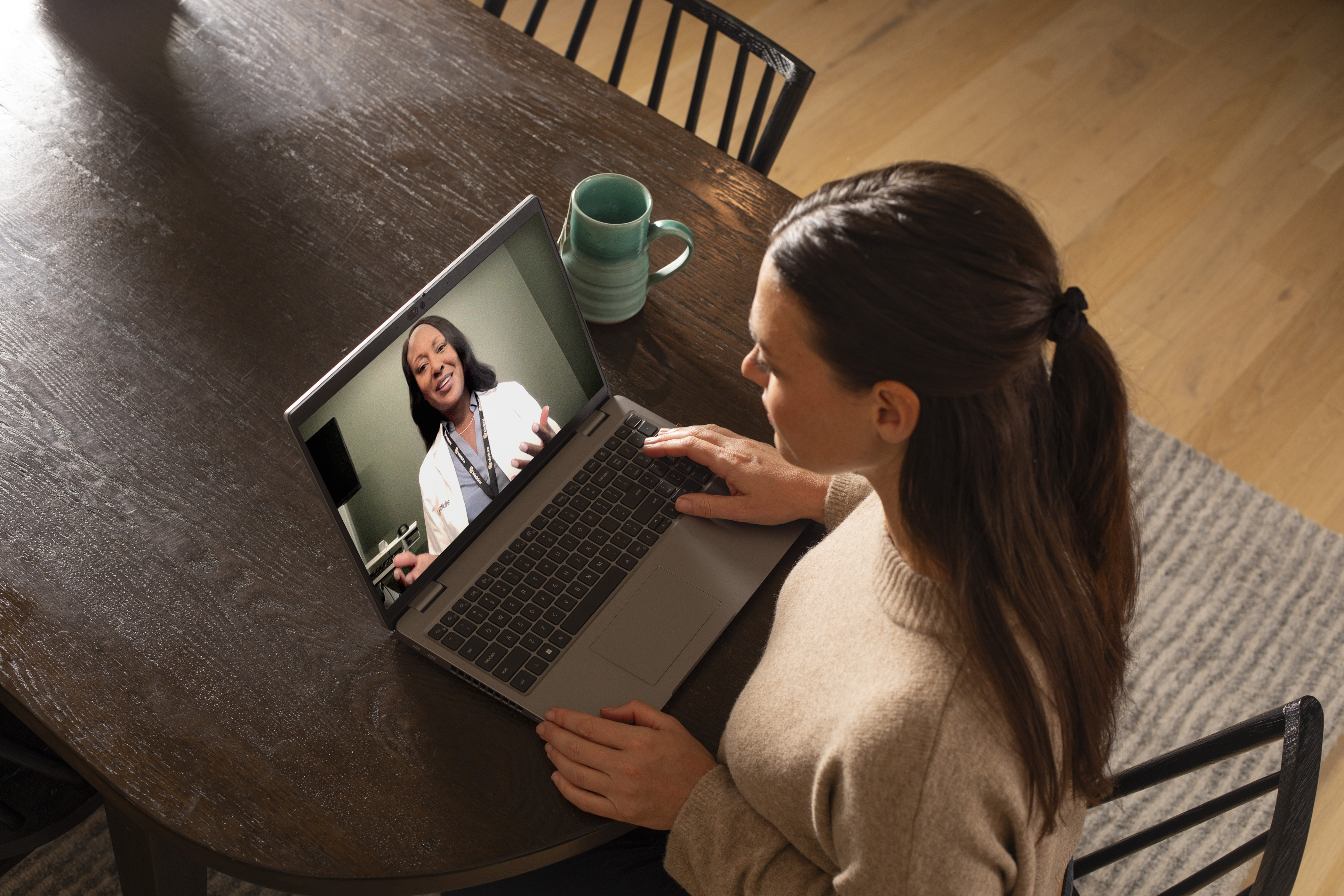
What to Expect During a Virtual Visit
During your virtual visit with your provider, you can expect:
- Real-time video visit with a CU Medicine provider.
- Safe and secure connection from your home, workplace or other private location.
- Ability to review symptoms, ask questions and discuss treatments, just like at an in-person visit.
- Prescriptions, follow-up instructions and referrals provided when appropriate.
Virtual visits are billed the same as an in-person visit.
Common Reasons to Choose a Virtual Visit
Virtual visits are ideal for many non-emergency concerns, including:
- Cold and flu symptoms
- Cough, sore throat, ear pain
- Rashes or minor skin concerns
- Pink eye
- Mild digestive issues
- Behavioral health visits
- Medication questions
- Appointments that don’t need a physical exam
Your CU Medicine provider will let you know if they recommend an in-person appointment instead.
Computer and Smartphone Requirements
Video virtual visits are available to patients who have a smartphone, tablet or computer. Your device must have a camera, speakers and a microphone. You will also need a strong internet connection. If you do not have good internet access or a smartphone, we offer phone visits instead.
Your virtual visit will take place using your My Health Connection account. If you don’t have a My Health Connection account, click here to sign up online.
Logging In to Your Virtual Visit
Follow these easy steps to access and check-in for your scheduled video virtual visit.
- Log in to your My Health Connection account at least 15 minutes before your appointment time, using either your computer or the app on your smartphone. Then, go to Appointments.
- You will see your upcoming appointment as a Virtual Visit. Click eCheck-in to review and sign consent forms.
- Ensure that you’re only logged in on one device. For example, if you want to use your smartphone for the virtual visit, log out of My Health Connection on your computer.
- Prepare for the virtual visit in a private place with a strong internet connection.
- Click “Begin Visit”, then click on the green “Join via the Browser” button.
Need In-Person Care?
If a virtual visit doesn’t work for you, or you prefer to be seen in person, CU Medicine providers are available. We have clinic locations throughout the Front Range and Denver metro area, with many offering same day appointments. Find a CU Medicine clinic near you.
eConsults: Specialty Input Without an Extra Visit
If you and your CU Medicine primary care provider (PCP) need input from a specialist, your PCP may request an electronic consultation (eConsult).
With an eConsult, your PCP securely shares your health questions and medical information with a CU Medicine specialist. The specialist reviews the information. Then, they guide your PCP about the best next steps for your care.
This process lets your care team address questions without requiring a separate specialist visit. This saves you time and reduces extra appointments and costs. If the specialist thinks an in-person visit would be helpful, they can quickly turn the eConsult into a referral. This helps you get scheduled faster.
This secure digital method helps your care team work together more efficiently. You get the specialty expertise you need, when you need it.
Prescription Medication Refills
For prescription medication refills, you can use My Health Connection (for adult health) or My Chart (for pediatric health) to request a refill from your provider's clinic. You can also call your pharmacy for assistance.